MockServer: Easy mocking of any system you integrate (HTTP or HTTPS)

From time to time, when we have a dependency or dependencies against an API, a subtle need arises:
We want a specific response from the dependency to test a particular flow in our application.
There are several strategies to solve this kind of challenge, but today we will see MockServer as a tool to resolve it.
What is MockServer?
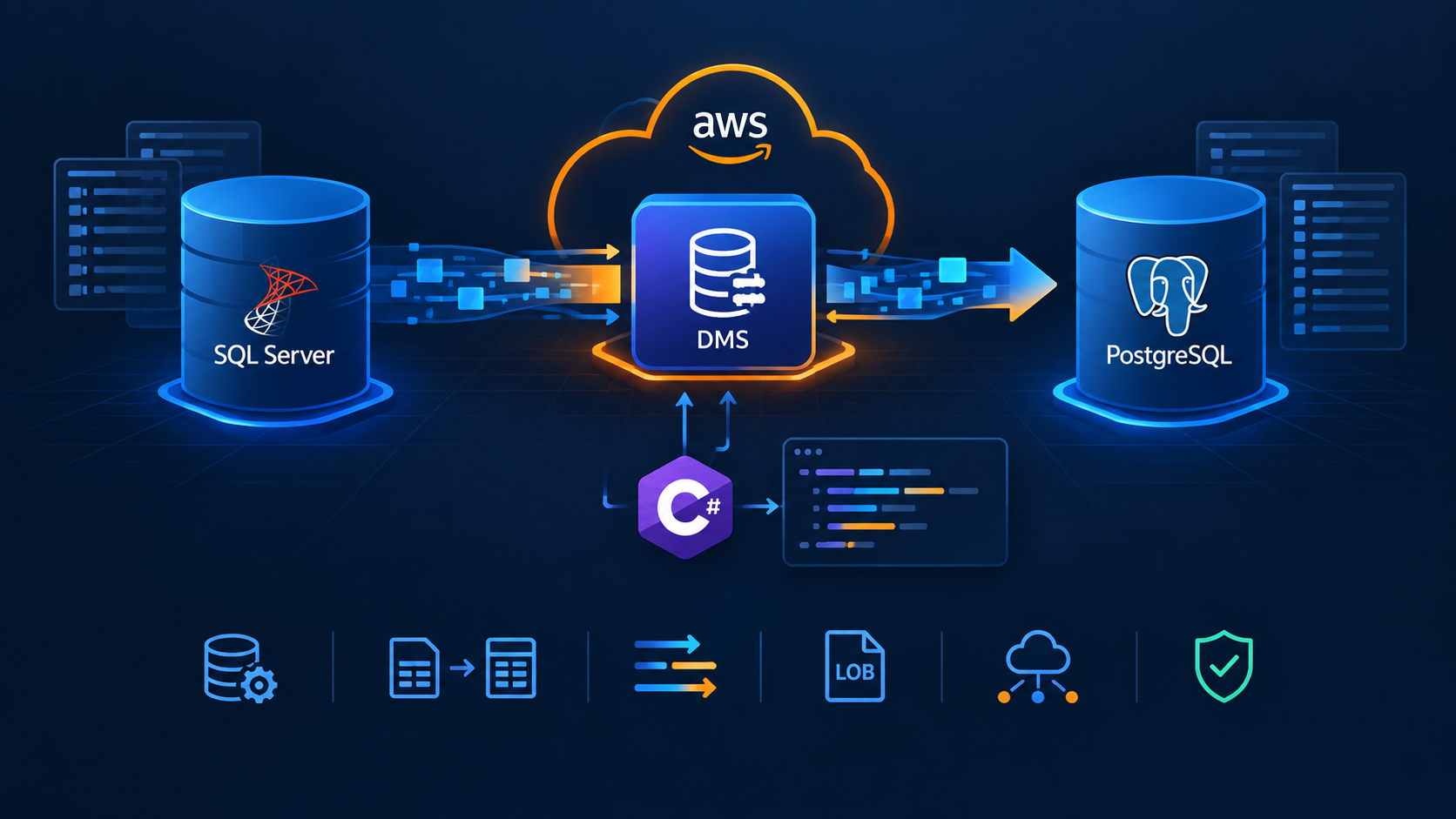
For any system you integrate with via HTTP or HTTPS, MockServer can be used as:
- A mock configured to return specific responses for different requests.
- A proxy recording and optionally modifying requests and responses.
- Both a proxy for some requests and a mock for other requests.
Why use MockServer?
Testing
- Easily recreate all types of responses for HTTP dependencies.
- Isolate the system-under-test to ensure tests run reliably.
- Easily set up mock responses independently for each test to ensure test data is encapsulated with each test.
- Create test assertions that verify the requests the system-under-test has sent.
De-coupling development
- Start working against a service API before the service is available.
- Isolate development teams during the initial development phases when the APIs may be volatile.
Running MockServer
There are several ways to run MockServer. We are going to use the Docker container option:
docker run -d --rm -p 6002:1080 mockserver/mockserver
Then go to http://localhost:6002/mockserver/dashboard to see your MockServer up and running. Now, we are ready to create expectations. An expectation is how we say to MockServer, get me this response when you receive that request. Here is an expectation example:
{
    "httpRequest": {
        "path": "/hello-world-mock",
        "method": "GET"
    },
    "httpResponse": {
        "body": "Hello world!!"
    }
}
We are going to register the expectation using the following statement:
curl -X PUT "http://localhost:6002/mockserver/expectation" -H "Content-Type: application/json" -d "{\"httpRequest\":{\"path\":\"/hello-world-mock\",\"method\":\"GET\"},\"httpResponse\":{\"body\":\"Hello world!!\"}}"
Let's call the endpoint to see the result:
curl -X GET "http://localhost:6002/hello-world-mock" -H "accept: text/plain"
Hello world!!
Here, you can find the complete MockServer API surface.
MockServer in practice
We are going to develop an API to get the weather from a city using the following ranges:
- Cold: 55 degrees and below
- Cool: 56 to 65 degrees
- Mild: 66 to 75 degrees
- Warm: 75 to 85 degrees
- Hot: Above 85 degrees
To get the real weather, we will use the Weather API that gives us a generous free plan. Let's start creating a .NET ASP Core Web API. Add a file called WeatherApiClient.cs
public class WeatherApiClient
{
    private readonly IHttpClientFactory _factory;

    private readonly Settings _settings;

    public WeatherApiClient(IHttpClientFactory factory, Settings settings)
    {
        _factory = factory;
        _settings = settings;
    }

    public async Task<decimal?> GetTemperature(string city, string provider)
    {
        var client = _factory.CreateClient(provider);

        var httpResponse = await client.GetAsync($"v1/current.json?key={_settings.Key}&q={city}&aqi=no");

        var options = new JsonSerializerOptions() { PropertyNameCaseInsensitive = true };

        httpResponse.EnsureSuccessStatusCode();

        var responseBody = await httpResponse.Content.ReadAsStringAsync();

        var response = JsonSerializer.Deserialize<Response>(responseBody, options);

        return response?.Current?.TemperatureF;
    }

    public class Settings
    {
        public string? Uri { get; set; }
        public string? Key { get; set; }
        public string? MockUri { get; set; }
    }

    public class Response
    {
        public Current? Current { get; set; }
    }

    public class Current
    {
        [JsonPropertyName("temp_f")]
        public decimal TemperatureF { get; set; }
    }
}
Create a new controller to use this class:
[ApiController]
[Route("[controller]")]
public class CurrentWeatherController : ControllerBase
{
    private WeatherApiClient _client;

    private readonly Range[] _ranges;

    public CurrentWeatherController(WeatherApiClient client)
    {
        _client = client;
        _ranges = new[] {
            new Range(-459, 55,"Cold"),
            new Range(56, 65,"Cool"),
            new Range(66, 75,"Mild"),
            new Range(76, 85,"Warm"),
            new Range(85, 459,"Hot")
        };
    }

    [HttpGet()]
    public async Task<string> Get(string city, string provider="api")
    {
        var temperature = await _client.GetTemperature(city, provider);

        if(temperature == null)
        {
            return "None";
        }

        foreach (var range in _ranges)
        {
            if(range.Min <= temperature && temperature <= range.Max)
            {
                return $"{range.Name}({temperature}°F)";
            }
        }

        return "None";
    }
}

public record Range (int Min, int Max, string Name);
In the appsetting.json file, add the following:
"WeatherApi": {
  "Uri": "http://api.weatherapi.com",
  "Key": "<put-your-api-key-here>",
  "MockUri": "http://localhost:6002"
}
And finally, in the Program.cs add:
var setttings = builder.Configuration.GetSection("WeatherApi").Get<Settings>();

builder.Services.AddHttpClient("api", httpClient =>
{
    httpClient.BaseAddress = new Uri(setttings.Uri);
});

builder.Services.AddHttpClient("mock", httpClient =>
{
    httpClient.BaseAddress = new Uri(setttings.MockUri);
});

builder.Services.AddSingleton(setttings);

builder.Services.AddSingleton<WeatherApiClient>();
Run the application and send a request to see if it's working (in our case is running under the port 5280):
curl -X GET "http://localhost:5280/CurrentWeather?city=Miami&provider=api" -H "accept: text/plain"
Warm(82.0°F)
Now let's imagine that we want to get a response under the Cold range. Sending requests using different cities to get the desired response could take a while. Here is where MockServer is going to shine. First, we are going to create a new expectation with the following body:
{
  "httpRequest": {
    "path": "/v1/current.json",
    "method": "GET",
    "queryStringParameters": {
      "q": [ "Toronto" ],
      "key": [ "[A-Z0-9\\-]+" ],
      "aqi": [ "no" ]
    }
  },
  "httpResponse": {
    "headers": {
      "Content-Type": [
        "application/json"
      ]
    },
    "body": "{\"current\":{\"temp_f\":50}}"
  }
}
And then, we are going to send a new request to our API but replacing the provider query string parameter from api to mock:
curl -X GET "http://localhost:5280/CurrentWeather?city=Toronto&provider=mock" -H "accept: text/plain"
Cold(50°F)
And the expected response is there. The potential use cases for MockServer are huge, but for sure will help us to speed up our development and increase the quality of the software we build. Here, you can find the solution used in this post.
If you are a .NET developer here, you will find a non-official client to interact with the MockServer.
About the author
Somebody who likes to code
Comments
Join the discussionNo comments yet. Be the first to comment.