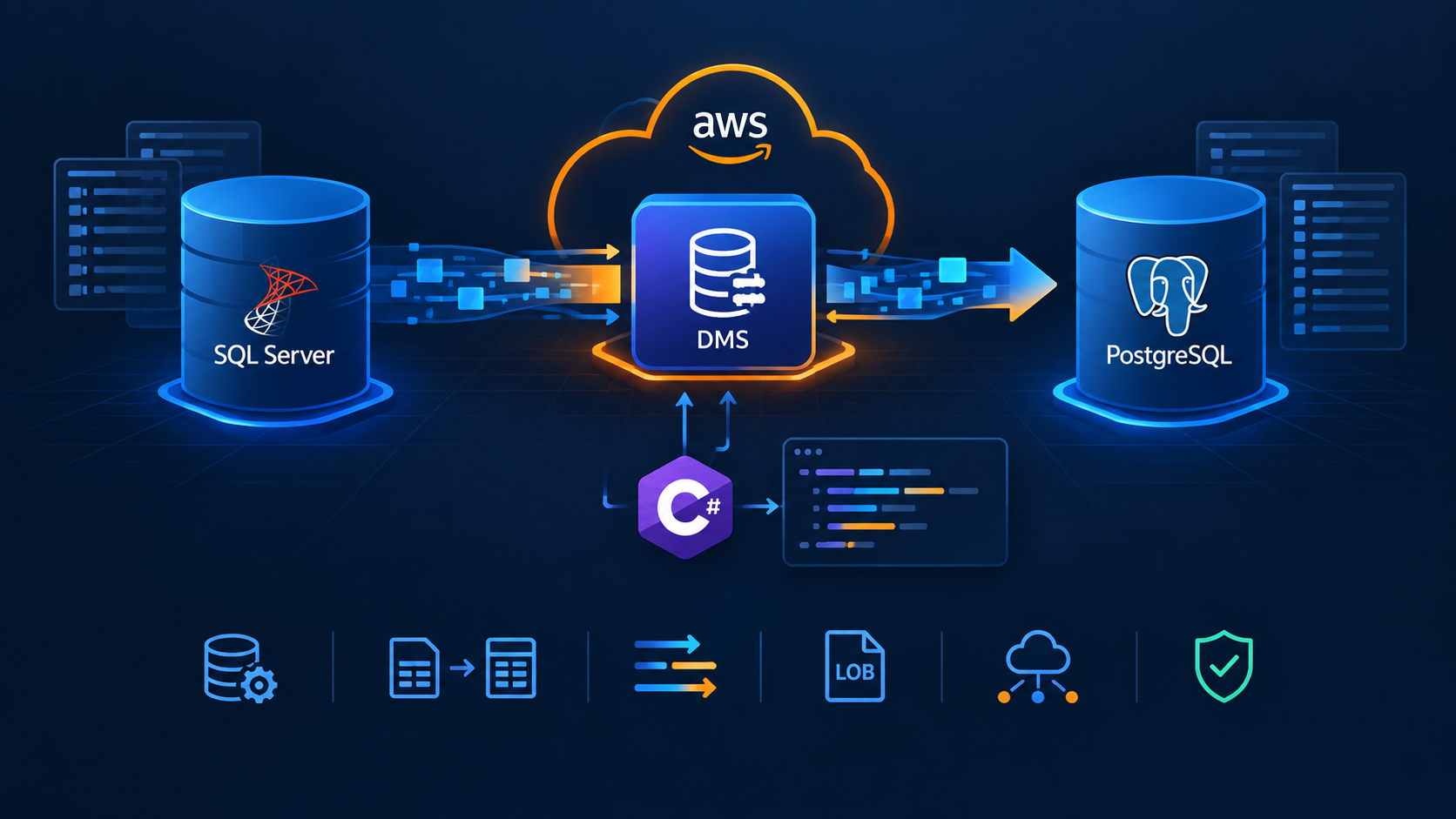
How to Ensure Message Order with AWS SNS and AWS SQS

In our previous post, Consuming AWS SQS messages in order, we discussed the basics of consuming messages in order using AWS SQS FIFO queues. Today, we will expand on that by incorporating the AWS SNS FIFO topic as a message source, demonstrating how straightforward it is to preserve message order.
An Amazon SNS FIFO topic always delivers messages to subscribed Amazon SQS queues in the exact order in which the messages are published to the topic, and only once. With an Amazon SQS FIFO queue subscribed, the consumer of the queue receives the messages in the exact order in which the messages are delivered to the queue, and no duplicates.
AWS SNS FIFO topics manage ordering and deduplication similarly to AWS SQS FIFO queues. For more details, check out our previous post.
Pre-requisites
An IAM User with programmatic access.
Install AWS CLI.
Install AWS SAM CLI.
AWS SAM template
Create a template.yml file with the following content:
AWSTemplateFormatVersion: '2010-09-09'
Transform: AWS::Serverless-2016-10-31
Description: >
  SAM

Resources:

  SNSFifoTopic:
    Type: AWS::SNS::Topic
    Properties:
      TopicName: MyFifoTopic.fifo
      FifoTopic: true
      ContentBasedDeduplication: false

  SQSFifoQueue:
    Type: AWS::SQS::Queue
    Properties:
      QueueName: MyFifoQueue.fifo
      FifoQueue: true
      ContentBasedDeduplication: false
      DeduplicationScope: messageGroup
      FifoThroughputLimit: perMessageGroupId

  SNSFifoSubscription:
    Type: AWS::SNS::Subscription
    Properties:
      TopicArn: !Ref SNSFifoTopic
      Protocol: sqs
      Endpoint: !GetAtt SQSFifoQueue.Arn
      RawMessageDelivery: true

  SQSPolicy:
    Type: AWS::SQS::QueuePolicy
    Properties:
      Queues:
        - !Ref SQSFifoQueue
      PolicyDocument:
        Version: '2012-10-17'
        Statement:
          - Effect: Allow
            Principal: "*"
            Action: "sqs:SendMessage"
            Resource: !GetAtt SQSFifoQueue.Arn
            Condition:
              ArnEquals:
                aws:SourceArn: !Ref SNSFifoTopic

Outputs:
  SNSFifoTopicArn:
    Description: ARN of the SNS FIFO Topic
    Value: !Ref SNSFifoTopic

  SQSFifoQueueArn:
    Description: URL of the SQS FIFO Queue
    Value: !Ref SQSFifoQueue
The script uses the following resources:
AWS::SNS::Topic: This resource is used to create the AWS SNS topic. The
FifoTopicproperty is set totrueto create a FIFO topic. TheContentBasedDeduplicationproperty is set tofalse, which means theMessageDeduplicationIdmust be provided when publishing a message.AWS::SQS::Queue: This resource is responsible for creating the AWS SQS queue. The
FifoQueueandContentBasedDeduplicationproperties are similar to what we explained in the lines above. TheDeduplicationScopeandFifoThroughputLimitproperties are set accordingly to enable the high throughput feature.AWS::SNS::Subscription: This resource creates the subscription of the AWS SQS queue to the AWS SNS topic. The
RawMessageDeliveryproperty allows for raw message delivery.AWS::SQS::QueuePolicy: This resource applies a policy to one or more AWS SQS queues. In this case, we allow the AWS SNS topic to send messages to the AWS SQS queue.
Run the following commands to deploy the resources to AWS:
sam build
sam deploy --guided
The Producer App
Execute the following commands:
dotnet new console -n Producer -o ./src/Producer
dotnet new sln -n FIFOSandbox
dotnet sln add --in-root src/Producer
dotnet add src/Producer package AWSSDK.SimpleNotificationService
dotnet add src/Producer package AWSSDK.Extensions.NETCore.Setup
dotnet add src/Producer package Microsoft.Extensions.Configuration.Json
dotnet add src/Producer package Microsoft.Extensions.DependencyInjection
Open the Producer project and update the Program.cs file as follows:
using Amazon.SimpleNotificationService;
using Amazon.SimpleNotificationService.Model;
using Microsoft.Extensions.Configuration;
using Microsoft.Extensions.DependencyInjection;
using System.Text.Json;

var configurationBuilder = new ConfigurationBuilder()
    .AddJsonFile("appsettings.json");

var options = configurationBuilder.Build().GetAWSOptions();
var services = new ServiceCollection()
    .AddDefaultAWSOptions(options)
    .AddAWSService<IAmazonSimpleNotificationService>();

var provider = services.BuildServiceProvider();
var topicArn = "<MY_TOPIC_ARN>";
var snsClient = provider.GetService<IAmazonSimpleNotificationService>()!;

for (int i = 0; i < 500; i++)
{
    var messageGroupId = (ConsoleColor)Random.Shared.Next(1, 15);
    var payload = new Payload() { Color = messageGroupId, Index = i };
    var message = JsonSerializer.Serialize(payload);

    var request = new PublishRequest
    {
        TopicArn = topicArn,
        Message = message,
        MessageGroupId = messageGroupId.ToString(),
        MessageDeduplicationId = Guid.NewGuid().ToString()
    };
    var response = await snsClient.PublishAsync(request);
    Console.ForegroundColor = messageGroupId;
    Console.WriteLine($"{response.MessageId} sent");
}

class Payload
{
    public ConsoleColor Color { get; set; }
    public int Index { get; set; }
}
The producer will send 500 messages using 15 different message group IDs, one for each value of the ConsoleColor enum. The payload message will include the enum value and the message index. Add an appsettings.json with the following content:
{
    "AWS": {
        "Profile": "default",
        "Region": "<MY_REGION>"
    }
}
The Consumer App
Execute the following commands:
dotnet new console -n Consumer-o ./src/Consumer
dotnet sln add --in-root src/Consumer
dotnet add src/Consumer package AWSSDK.SQS
dotnet add src/Consumer package AWSSDK.Extensions.NETCore.Setup
dotnet add src/Consumer package Microsoft.Extensions.Configuration.Json
dotnet add src/Consumer package Microsoft.Extensions.DependencyInjection
Open the Consumer project and update the Program.cs file as follows:
using Amazon.SQS;
using Amazon.SQS.Model;
using Microsoft.Extensions.Configuration;
using Microsoft.Extensions.DependencyInjection;
using System.Text.Json;

var configurationBuilder = new ConfigurationBuilder()
    .AddJsonFile("appsettings.json");

var options = configurationBuilder.Build().GetAWSOptions();
var services = new ServiceCollection()
    .AddDefaultAWSOptions(options)
    .AddAWSService<IAmazonSQS>();

var provider = services.BuildServiceProvider();
var url = "<MY_QUEUE_URL>";
var sqsClient = provider.GetService<IAmazonSQS>()!;
while (true)
{
    var receiveRequest = new ReceiveMessageRequest
    {
        QueueUrl = url,
        MaxNumberOfMessages = 10,
        WaitTimeSeconds = 5
    };

    var result = await sqsClient.ReceiveMessageAsync(receiveRequest);
    if (result.Messages.Any())
    {
        var total = result.Messages.Count;
        var current = 1;
        var batch = new List<DeleteMessageBatchRequestEntry>();
        foreach (var message in result.Messages)
        {
            var payload = JsonSerializer.Deserialize<Payload>(message.Body)!;
            Console.ForegroundColor = payload.Color;
            Console.WriteLine($"{payload.Index}:message {current} of {total} received");
            current++;
            batch.Add(new DeleteMessageBatchRequestEntry() { ReceiptHandle = message.ReceiptHandle, Id = message.MessageId });
            await Task.Delay(Random.Shared.Next(500, 1000));
        }
        await sqsClient.DeleteMessageBatchAsync(url, batch);
    }
    else
    {
        Console.ForegroundColor = ConsoleColor.White;
        Console.WriteLine("No messages available");
        await Task.Delay(TimeSpan.FromSeconds(5));
    }
}

class Payload
{
    public ConsoleColor Color { get; set; }
    public int Index { get; set; }
}
The consumer will read messages in batches of 10 and wait 5 seconds before returning an empty response if no messages are available in the queue. We will deserialize the message body and change the console's text color based on the content. Add an appsettings.json file as we did with the producer.
Run dotnet run --project src/Consumer in two or more console windows, and dotnet run --project src/Producer to see everything in action. You can see the code and scripts here. Thanks, and happy coding.
About the author
Somebody who likes to code
Comments
Join the discussionNo comments yet. Be the first to comment.